
Annually
Monthly
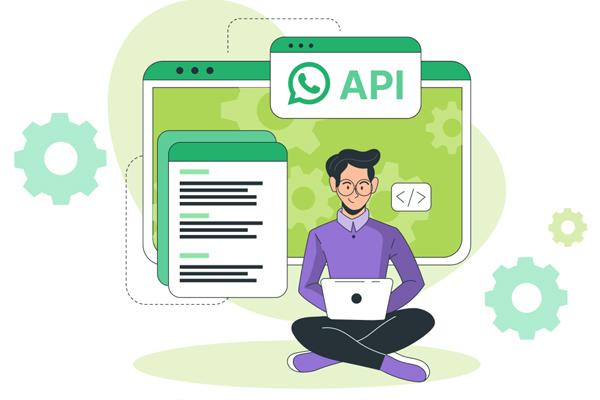
Complete Solution of official WhatsApp API and Best Business Features for WhatsApp The fastest and most effective automated communication platform for consumers.
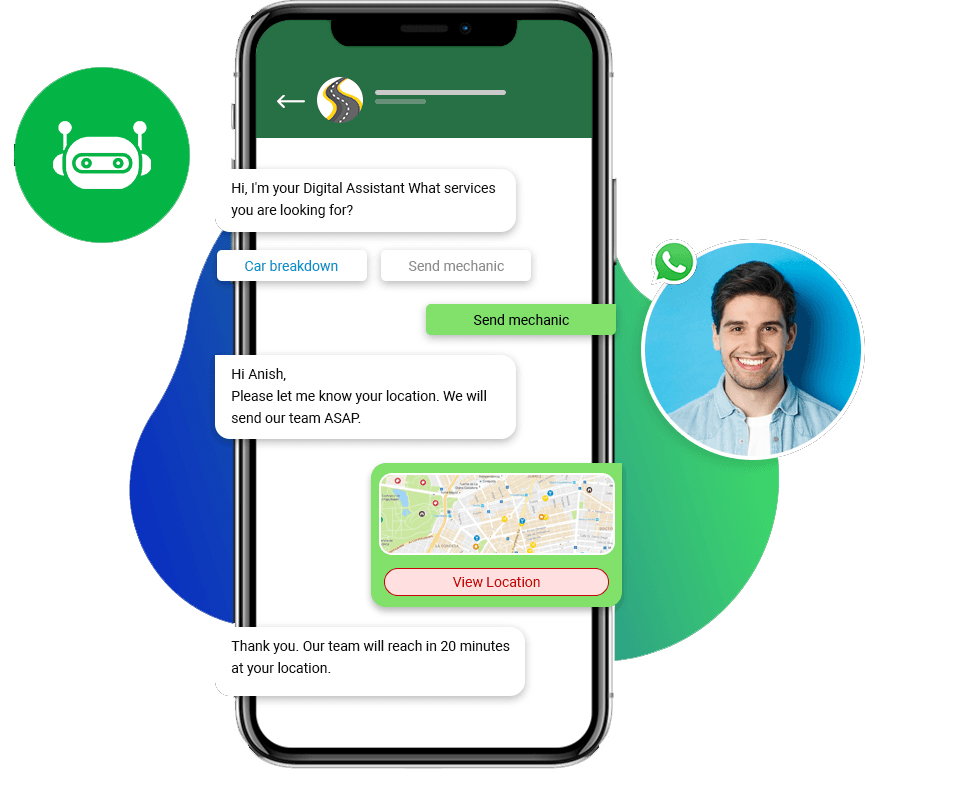
You can send promotional offers to your clients using autoresponder tools (Chatbot) and use the Rest API to send OTP and other notifications from e-commerce, CRM, ERP, and website portals.
WhatsApp API Unofficial is a third-party solution provided by Viraajdigital to its clients so that they can get complete access to WhatsApp's functionalities without official endorsement or support from WhatsApp itself.
A Complete Solution of official Whatsapp API and Best business features for WhatsApp The fastest and most effective automated communication platform for Consumers. You can send Promotional offer to your client with Auto responder tools (Chatbot) and Use Rest API for Send Otp and Other Notification from Ecommerce, CRM, ERP and Website Portal.
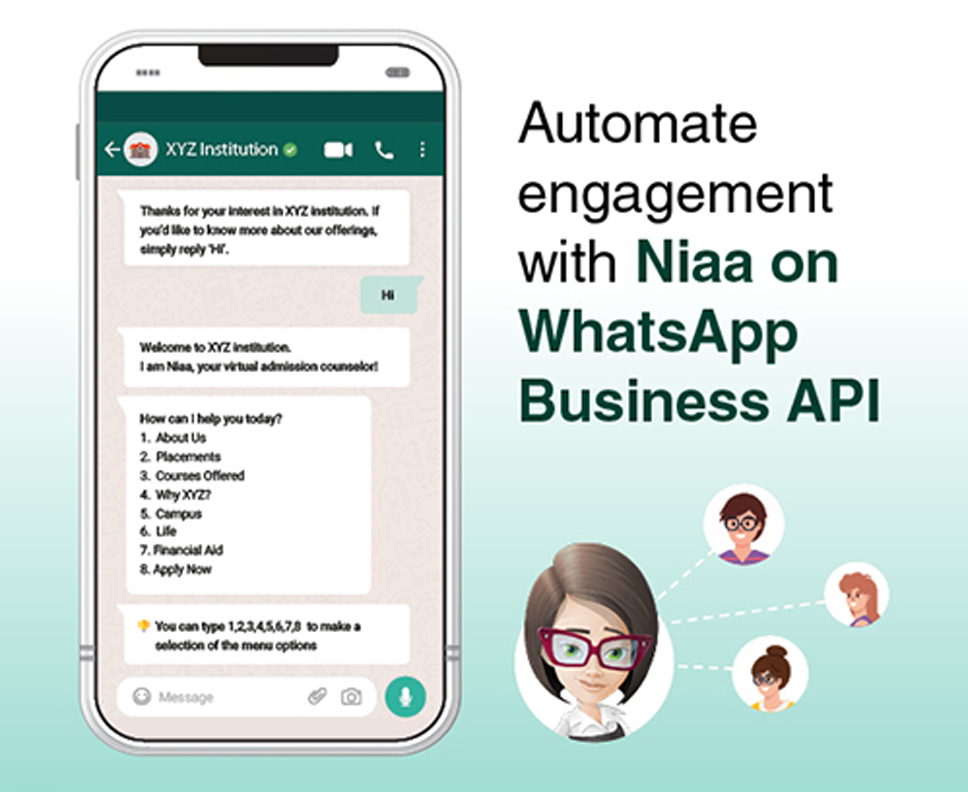
Complete Solution of Official Whatsapp Business API.
Our WhatsApp Virtual/Personal Number API can be integrated into any system you're currently running. Customer can get automated Whatsapp Msg in their Inbox from your App or Portal. (Msg will be Delivered from Sysyem Auto Generate Virtual Number or you Scan whatsapp account. )
Simple and Cheap API for small Business User Of India
...there were two ways to send out bulk WhatsApp messages:
You either used hack-y browser extensions or desktop / mobile apps that would ask you to scan WhatsApp QR code & work on top of WhatsApp Web or your WhatsApp phone app to send the messages in a shady and unauthorized way. This was a good way to get your phone number banned by WhatsApp!
Or you signed up with one of the WhatsApp partnered BSPs like WATI, Interakt or others and paid them high monthly fees to use their tool to send messages. Not only you had to pay high monthly fees, you had to pre-pay them for credits and they charged a markup of 12–35% on.
Using WANotifier to send bulk WhatsApp messages is as easy as following 4 simple steps.
Setup WhatsApp Cloud API and generate API credentials on the Meta for Developers portal. Once ready, add these credentials to WANotifier.
Create a message template from your WANotifier dashboard and send it to WhatsApp for approval. Once approved, you can send this template to your contacts.
Manually add your contacts or import them in bulk using CSV file import. Or add them from any of your 3rd party apps using webhooks.
Create a new bulk marketing notification or trigger based transactional notification and setup how you want the notification to be sent.

"Viraaj Digital is very user-friendly...it makes the layperson look like an expert in managing email lists. Though there are other email marketing services, Viraaj Digital email newsletter feature set and affordability combined with their outstanding customer support makes them really stand out as th"


""If you are looking for a great email marketing service, Viraaj Digital is at the top. This service has everything that you’ll need to target your audience, create a compelling email, monitor results and boost your sales.""


Mumbai
Plot no.48, Ground Floor, Sector-2A, Kopar Khairane, Navi Mumbai, Pin - 400709 Maharashtra (India)
Phone :-
9594349228
Email :- info@viraajdigital.com
Delhi ( NCR )
B - 3, Lower Ground Floor, Sector 2, Near Noida Sec 15 Metro Station Noida, (India) Pincode-400709
Phone :-
9594349228
Email :- info@viraajdigital.com

Customer satisfaction is a first priority because we want to know how our products or services fulfill our customer’s expectation.


© 2024 viraajdigital, All right reserved.